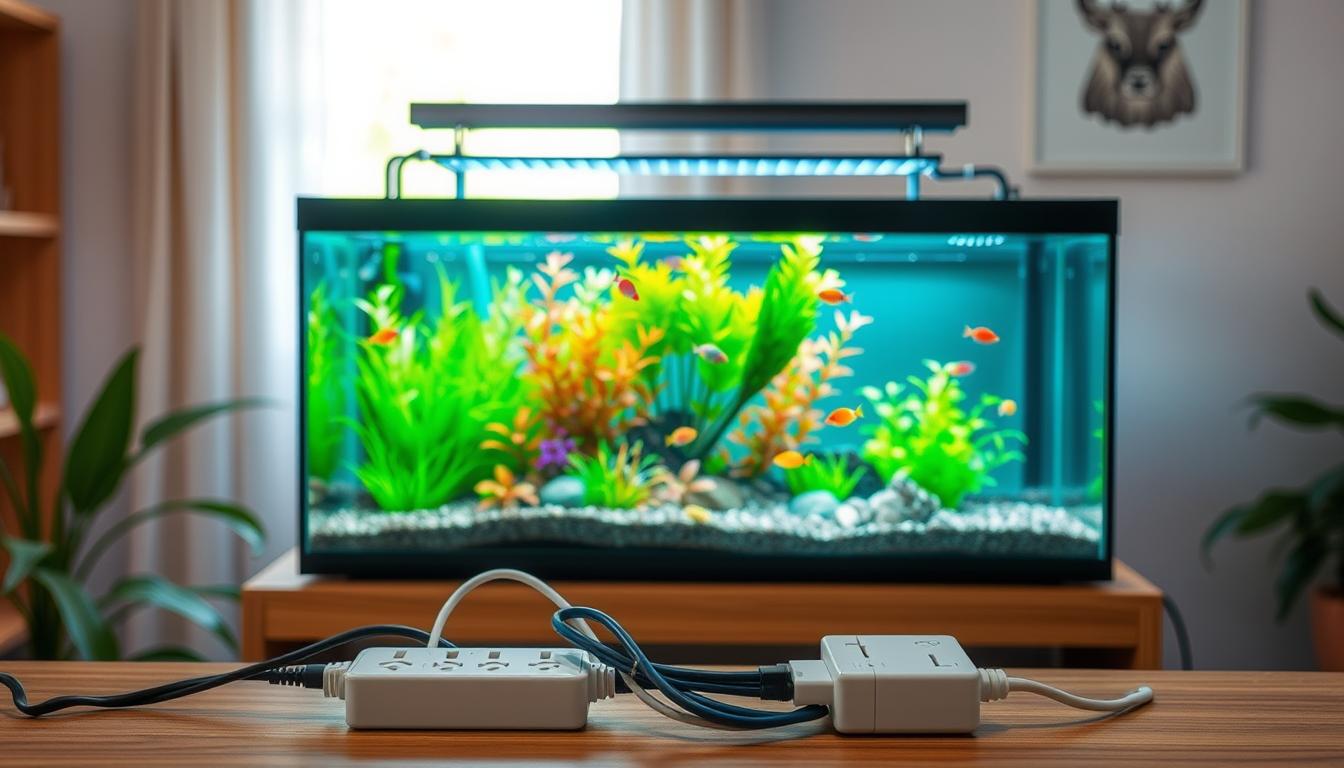
Powering a nano tank means giving reliable electricity to all parts of a small aquarium, usually under 10 gallons. Your lighting, filtration, heater, and pumps need steady, safe power. This keeps equipment working well and fish or corals healthy.
You aim for three things: steady performance, safety, and predictable behavior. Follow the manufacturer’s instructions. Choose NRTL-listed devices like UL-listed power supplies and timers.
Rules and advice are important. OSHA and the National Electrical Code warn against using extension cords and unlisted devices as permanent wiring (see OSHA 29 CFR 1910.303). Use listed, properly rated components and follow instructions to avoid legal and safety risks.
Risk data is clear. The Electrical Safety Foundation International links roughly 3,300 home fires a year to extension cords, with about 50 deaths and 270 injuries. The National Fire Protection Association found electrical failures caused around 13% of home fires from 2012–2016. Safe wiring and proper nano tank accessories are key in the U.S. home.
In the rest of this guide, you’ll learn about choosing nano tank equipment, managing cables safely, and when to use GFCI and surge protection. You’ll also get tips on wiring, troubleshooting, routine maintenance, and upgrade options. These will help keep your nano tank setup efficient and safe.
Understanding the Basics of Nano Tanks
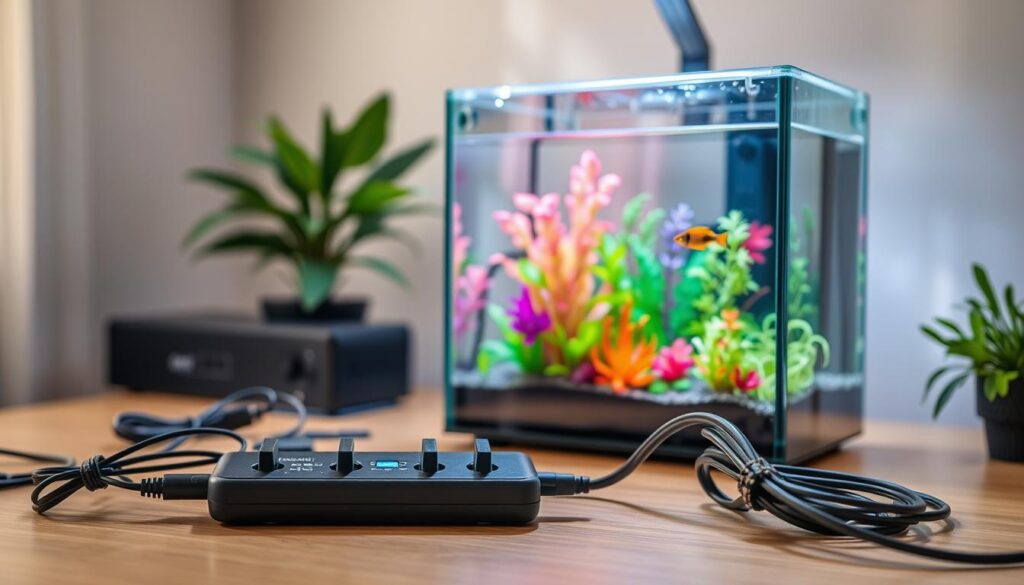
When setting up your nano tank, think about the electrical needs. You’ll need low-wattage LED strips for lighting, which use 5–30 W. Also, small filters for filtration, pumps for circulation, and heaters for temperature control.
Calculate the total wattage needed for your setup. For example, a 10-gallon tank with LED lights, a 10 W filter, a 5 W pump, and a 25 W heater might use 50–70 W. This leaves room for other devices but remember to account for startup surges.
Some devices, like heaters and pumps, use more power when they start. Plan for these surges when choosing your electrical setup. This way, your tank’s maintenance won’t cause unexpected power outages.
Make sure outlets near your tank are GFCI-protected. This is important for safety, as recommended by the U.S. Consumer Product Safety Commission. Ensure your tank’s outlet has GFCI protection.
If your home lacks outlets, don’t try to fix it with temporary solutions. OSHA and electrical codes advise against using extension cords as permanent solutions. If you need a new outlet, hire a licensed electrician to install a GFCI-protected one.
Choose devices for your tank that are NRTL-listed, like UL-listed heaters and pumps. Follow the manufacturer’s instructions for safe use. This keeps your tank safe and your maintenance simple.
- List the expected wattages for each device in your nano tank setup.
- Factor in startup surges when calculating amperage needs.
- Use GFCI-protected outlets near water for added safety.
- Replace extension cords with permanent wiring when necessary.
- Buy NRTL-listed equipment and follow the manufacturer’s instructions.
Essential Equipment for Powering a Nano Tank
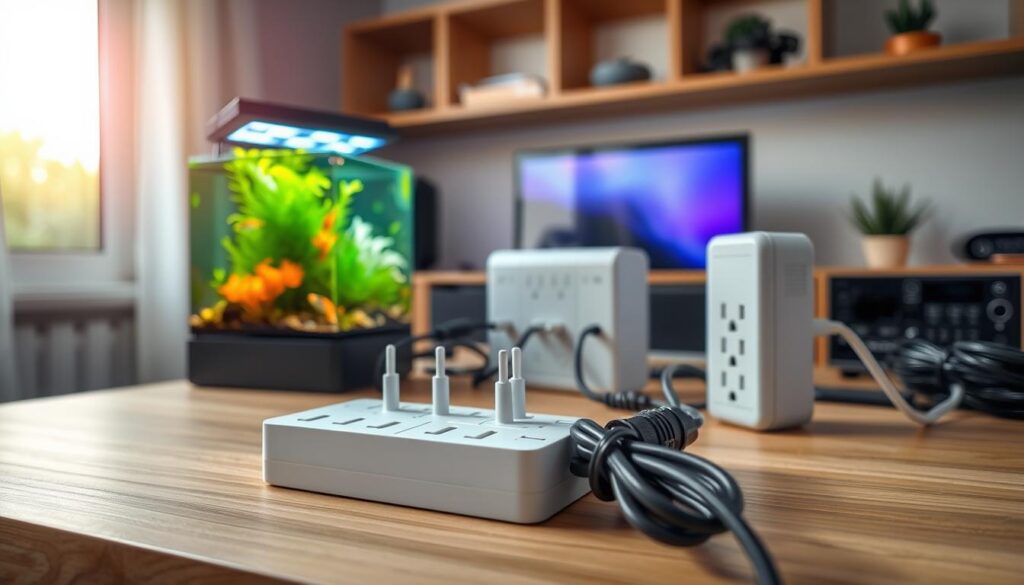
Before you start your aquarium, make a list of must-haves. First, get UL, ETL, or NRTL-listed LED fixtures for safe light. Then, use GFCI-protected outlets or power strips to prevent shock near water.
Choose surge-protected power strips with internal circuit breakers or fuses. Household power strips usually have 15 A (1,800 W) or 20 A (2,400 W) ratings. Make sure the total wattage of your devices doesn’t exceed the strip’s limit.
- Aquarium-grade submersible pumps and heaters with clear watt and amp labels.
- Quality silicone-insulated cords for durability and water resistance.
- Heavy-duty power strips or dedicated wall circuits when you run higher loads.
- GFCI outlets for any receptacle near the tank and surge protectors for sensitive LED drivers and controllers.
Most nano tank equipment fits in a 15 A circuit if planned well. For big heaters or high-power devices, use a dedicated circuit to avoid overloading. Always check each device’s amp and watt labels before plugging in.
Avoid short extension cords. Choose power strips with cord lengths between 3 and 15 ft to reach outlets safely. Too much slack can cause tripping hazards and tempt daisy-chaining, which you should avoid.
Using efficient nano tank equipment like low-wattage LED drivers and energy-saving pumps can improve reliability. Pair these with surge protection to safeguard controllers and timers from voltage spikes.
Don’t forget the right nano tank accessories: cable clips, drip loops, and mounting brackets. These keep cords tidy and reduce moisture exposure. They make your system safer and easier to maintain.
Managing Cables Safely Near Water
When setting up your nano tank, plan where cables will go. Make sure cords are above the waterline. Use cord clips or cable channels to keep them from falling into the tank.
Every cord should have a drip loop. This means letting the cable sag below the tank edge. This way, any water will run off the cord, not into the outlet. Make this loop permanent and easy to see for quick checks during maintenance.
Don’t run cords through windows, doorways, or under carpets. This can cause overheating and fire risks. Always follow safety guidelines and keep cords away from heavy furniture where heat can build up.
- Use cord clips, zip ties, and cable channels to reduce stress on plugs and to keep wiring neat.
- Do not suspend power strips by their cords or by items plugged into them; that creates connection stress and wear.
- Never daisy-chain power strips or use extension cords as permanent wiring. These practices increase resistance and heat.
Equip circuits near water with GFCI protection. Use power strips rated for wet or damp locations only when specified as IP-rated or intended for those conditions. Keep standard indoor strips dry and away from splash zones during nano tank maintenance.
Regularly check cords and plugs for damage. Look for fraying, discoloration, or loose connections. Replace damaged cords right away to avoid shock and fire hazards and ensure your nano tank setup is safe.
Choosing the Right Power Strips
Look for power strips with UL or ETL certification. Make sure they have a clear amperage or wattage rating. The strip’s maximum wattage should match the total load of your equipment.
For heaters, lights, and pumps, choose 15 A or 20 A ratings. This ensures your setup is safe and efficient.
For a more permanent setup, go for strips with internal circuit breakers or fuses. These add an extra layer of safety. For sensitive devices like LED drivers and controllers, look for active surge protection.
Avoid basic, unprotected power strips. They are not safe for permanent wiring near aquariums. Never daisy-chain strips or plug one into another or an extension cord. This can overload circuits and is against fire-code recommendations.
Consider the size and spacing of the strip. Aquarium transformers and bulky adapters need space. Choose a strip that can fit large plugs without blocking other sockets.
Choose a cord length that reaches the wall outlet without extra cords. A 3–15 ft cord is usually enough. Too much cord can be a trip hazard and make cable management harder.
Check the environmental rating before using a strip near moisture. Indoor strips are not safe for wet or damp locations unless they are GFCI-equipped or IP-rated for outdoor use. For wet conditions, use an IPX6-rated outdoor strip.
Buy from reputable brands like APC, Belkin, or Legrand. Make sure the strip has visible wattage or amp labeling. Also, confirm it has surge protection for your efficient nano tank equipment.
Install a properly rated strip and pair it with careful cable routing. Regularly check the load and condition of your equipment. This reduces risk and keeps your equipment running reliably.
Creating a Safe Power Setup
Put your nano tank near grounded outlets to keep cords short and neat. If cords block walkways, add more outlets on walls or floors. This makes paths clear and lowers the risk of tripping.
Always check if outlets are grounded. Use three-prong plugs and never remove the grounding prong. This keeps your equipment safe and ensures nano tank safety.
Install a GFCI outlet near your aquarium, like in bathrooms or kitchens. A GFCI outlet cuts power fast if there’s a ground fault. This reduces the risk of shock near water, as recommended by the CPSC.
Use a dedicated circuit for high-draw devices like heaters, lights, and filters. This prevents overloads and keeps your setup stable.
- Get a licensed electrician to add permanent outlets instead of using extension cords.
- Follow National Electrical Code and OSHA guidelines for any new wiring.
Mount power strips on the stand base, off the floor, and away from leaks. Make sure they’re secure and won’t get wet.
Use surge protectors rated for aquarium gear if you’re worried about power quality. Test GFCI outlets often and replace any damaged cords or strips to keep your tank safe.
Guidelines for Wiring Your Nano Tank
Always hire a licensed electrician for any permanent outlet work in your nano tank. Don’t try to do it yourself for new circuits, hardwired outlets, or changes to wiring. A professional will make sure everything follows the National Electrical Code and gets the right permits.
Only use equipment that’s been tested by a recognized lab like UL or Intertek. Make sure to install and use these devices as the manufacturer says. This follows OSHA rules and makes your tank maintenance safer.
- Never use extension cords as permanent wiring.
- Do not daisy-chain power strips or extension cords.
- Choose power strips with built-in surge protection and individual switches when possible.
Match the wiring and outlets to the total load of your tank’s devices. Ensure the amp ratings for cords, outlets, and breakers are high enough for heaters, filters, lights, and pumps. This stops overheating and lowers fire risk.
Keep cords safe from damage. Don’t run them through doorways, windows, or walls. Keep them away from foot traffic, metal stands, and sharp edges. Use cord covers or grommets where cords go through surfaces.
- Label each circuit that serves the nano tank so you can shut down power quickly during maintenance.
- Place GFCI-protected outlets within reach of the tank to prevent shock hazards in wet conditions.
- Inspect cords and connections regularly as part of your nano tank maintenance plan and replace any damaged components.
Use extension cords only when absolutely necessary. In homes, avoid long-term cord use for a reliable setup. In workplaces, follow safety rules and replace temporary cords with permanent wiring as needed.
Keep a record of your wiring layout and save the manuals for each device. Good documentation helps your electrician, makes troubleshooting easier, and supports safe maintenance over time.
Troubleshooting Electrical Issues
Spotting electrical trouble early protects your fish and gear. Look for common symptoms like frequent tripping breakers, pumps or lights that cut in and out, warm power strips or cords, and any corrosion or frayed wires on nano tank equipment.
Match symptoms to likely causes before acting. Tripping breakers point to an overload or short circuit. Intermittent pump or light failures often come from loose plugs, damaged cords, or worn connectors. Hot power strips or cords mean overload or high resistance. Corrosion and frayed wires usually result from moisture exposure or pest damage.
- Unplug all devices and test each one on its own to isolate the faulty item.
- Check power strip indicator lights and the status of surge protectors.
- Inspect cords and plugs closely for fraying, melted insulation, or greenish corrosion on metal parts.
Take safe remedial actions when you find a problem. Replace damaged cords and worn power strips in place of attempting repairs with tape. Move cords away from splash zones and secure them with clips or raceways. Install GFCI outlets near tanks to cut ground-fault risk and improve nano tank maintenance safety.
Call a licensed electrician if issues persist. Persistent breaker trips, burning smells, visible arcing, outlet discoloration, or repeated GFCI trips can signal faulty wiring or overloaded circuits that you should not attempt to fix yourself.
Follow basic fire-safety steps around electrical faults. Do not use water on electrical fires. If it is safe, cut power at the breaker and use a Class C-rated fire extinguisher for electrical fires. If you feel unsure or the situation is unsafe, evacuate and call emergency services immediately.
Maintenance Tips for Electrical Components
Make a plan to check your nano tank’s electrical parts regularly. Look at cords, plugs, GFCI outlets, and power strips every month. Watch for frayed wires, color changes, bent prongs, or signs of heat.
If a cord is damaged or a plug doesn’t fit right, change it right away. Also, replace surge protectors that won’t reset. And, get rid of power strips that get warm even when not in use.
Keep outlets and strips clean and dust-free. Use clips, sleeves, and covers to protect wires. Don’t cover cords or power strips with rugs or insulation, as it can cause heat buildup.
- Test GFCI outlets monthly with the built-in test button.
- Replace any GFCI that fails to trip or reset correctly.
- Label cords so you know which device each one serves.
Keep all equipment manuals, specs, and when you bought them in one place. This helps you keep track of when to replace things and when warranties end.
Take care of your power strips by unplugging and cleaning them with a dry cloth often. Never plug too many things into one outlet. Use good surge protectors from brands like APC or Belkin when needed.
Watch for any strange electrical issues like flickering lights, warm plugs, or breakers that trip. Fix problems early to avoid losing equipment, getting shocked, or starting a fire. Your careful maintenance keeps your tank working well and your home safe.
Upgrading Your Power Setup
If you often trip breakers or use extension cords, it’s time to upgrade. Adding more devices means you need better power setup. Small changes can stop overloads and lower fire risk.
Begin with easy upgrades you can see and feel. Add grounded outlets or GFCI outlets near your tank to fight moisture. A licensed electrician can set up a special circuit for your aquarium’s needs.
- Swap cheap strips for heavy-duty, UL/ETL-listed power strips with internal breakers and surge protection.
- Choose smart plugs or timed controllers rated for aquarium loads to automate lights and devices; confirm they are UL/ETL-listed and on GFCI protection.
- Replace worn cords and avoid daisy-chaining strips and extension cords.
Switch to efficient nano tank equipment to save power and heat. LED lights from Verilux or AquaIllumination use much less power than old lights. Choose pumps and heaters with good energy ratings for your tank size.
When picking nano tank accessories, focus on quality and safety. Look for brands with UL or ETL listings for controllers, timers, and power gear. Durable accessories lower the risk of short circuits and extend upgrade time.
- Audit current load: list wattage for lights, pumps, heaters, and other gear.
- Decide if a dedicated circuit is needed based on total load and household wiring.
- Hire a licensed electrician for outlet or circuit work to meet the National Electrical Code.
Getting professional help is key. An electrician will make sure outlets, GFCI protection, and conduit placement are right. This work cuts down on long-term risks and lets you add efficient nano tank equipment and accessories with confidence.
Resources for Further Learning
To learn more about setting up a safe nano tank, check out OSHA (29 CFR 1910.303) for wiring rules. The National Fire Protection Association offers advice on electrical fires. Also, the Electrical Safety Foundation International has data on extension-cord fires.
The Consumer Product Safety Commission has tips on outlets near water. These resources make it easier to keep your home aquarium safe, just like in a workplace.
For specific details on devices, read manuals from brands like Marineland, Fluval, AquaClear, and Kessil. When picking equipment, look for UL, ETL, or CSA marks. These confirm the products are safe.
Use wattage and amp calculators to figure out your total device load. This helps you choose the right surge protectors and GFCI outlets.
For permanent outlets or major upgrades, hire a licensed electrician. Check their credentials with your state licensing board. Always check for recalls and safety notices from the CPSC.
Read home-safety blogs and reviews to compare power strips and wet-rated options. These steps help keep your nano tank safe and efficient over time.
Keep your user manuals, inspection records, and a schedule for professional checks. By following official safety advice, trusted product info, and expert help, you’ll create a safe and efficient nano tank setup.
Leave a Reply